
Every MCP roundup you will find is written for developers. Filesystem access, Playwright, database clients. Excellent tools, entirely irrelevant if your team lives in Notion and Slack.
These are the seven worth connecting if your work is commercial rather than technical, plus the security note that belongs beside every one of them.
1. GitHub
Yes, it is a developer tool, and it is on this list for a different reason. If you run product or delivery, a GitHub connection means you can ask what shipped this week and get an answer from the source rather than from a status meeting.
Best for: product managers and delivery leads. Watch out for: scope the token to the repositories you need, not the organisation.
2. Notion
The highest-value connection for most non-technical teams. Your agent can read specs, meeting notes and project pages, then draft against them in your own house language rather than generic prose.
Best for: anyone whose company knowledge lives in Notion. Watch out for: workspace-wide access means salary discussions and board notes too, so scope it.
3. Slack
Turns your agent into something that can summarise a channel, find the decision buried in a thread from March, and draft an update in the right tone.
Best for: operations and internal comms. Watch out for: private channels and DMs. Decide deliberately what is in scope before you connect it.
4. Linear or Jira
Project tracking is where agents earn their keep quietly. Bulk triage, duplicate detection and status roll-ups are tedious for humans and trivial for a model with the right access.
Best for: anyone who runs a backlog. Watch out for: keep write access to comments and labels initially, not to status transitions.
5. HubSpot or Your CRM
Ask which deals went quiet, draft the follow-ups, keep records current. CRM hygiene is the classic task everyone agrees matters and nobody does.
Best for: sales and revenue operations. Watch out for: customer personal data. This connection deserves a genuine privacy review, not a shrug.
6. Sentry
For anyone who owns a product, error tracking connected to an agent turns a wall of stack traces into a plain answer about what broke and how often.
Best for: support leads and technical product owners. Watch out for: error payloads sometimes contain customer data.
7. Figma
Design context is the thing agents most often lack. A Figma connection lets an agent read the actual design rather than the description of it, which changes the quality of any spec or handoff it drafts.
Best for: product and marketing teams working with designers. Watch out for: very little. This is one of the safer connections on the list.
The Rule That Applies to All Seven
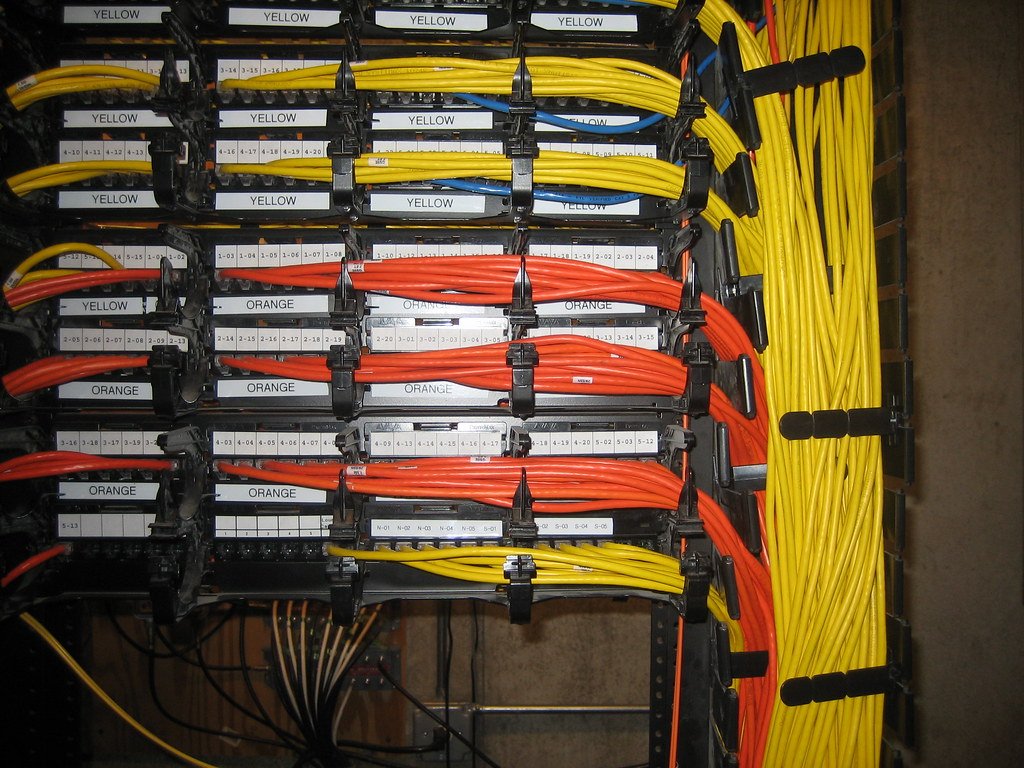
Every server on this list is third-party code with a voice in your agent context. One scan of 1,808 MCP servers reported that 66% had security issues of some kind, so the install decision deserves five minutes of attention.
Read the tool descriptions before installing. Scope every credential to the narrowest thing that works. Start read-only. Route everything through a gateway if you can, so only registered servers are reachable, and review tool description changes the way you would review a dependency update.
Conclusion
Start with Notion and Slack, because they hold the context that makes every other answer better. Add your CRM and tracker once you trust the pattern. Keep everything read-only for a fortnight, watch what your team actually asks for, then widen access based on evidence rather than enthusiasm.
Frequently Asked Questions
Do I need a developer to set these up?
Increasingly not. Most major vendors now ship official servers with guided authentication. The judgement you cannot outsource is deciding what each one should be allowed to reach.
How many servers should one person connect?
Fewer than you would like. Tool selection accuracy drops as the menu grows, so three well-chosen connections usually outperform ten.
Are official vendor servers safe by default?
Safer, not safe. The common problem is not malice, it is a well-built server granted far broader access than the task required.