

Remember when “AI automation” meant a Zapier workflow that broke every time a sales rep added an extra column to a spreadsheet? Those days are over. In 2026, 40% of enterprise applications will ship with task-specific AI agents built in, up from less than 5% in 2025, according to Gartner. The shift isn’t subtle — it’s the biggest re-architecture of business software since SaaS.
But here’s the catch: most “AI agent” lists you’ll read this year are written for Fortune 500 buyers with seven-figure budgets. This one isn’t. We benchmarked the seven best AI agents for small and mid-sized businesses — judged not on hype, but on how fast you can actually plug them in, what they cost when you scale past the free tier, and where they break.
1. What an AI Agent Actually Is (And Isn’t)
Before we rank, let’s draw a hard line. A chatbot answers questions. An AI assistant drafts content when you ask it to. An AI agent sets its own sub-goals, calls external tools, and completes multi-step tasks without human intervention at each step. The difference matters because vendors love to slap “agent” onto anything with an LLM behind it — Gartner calls this practice “agentwashing.”
A real agent can:
- Read your calendar, identify scheduling conflicts, and propose alternatives without being asked
- Pull a customer’s purchase history, draft a personalized email, and send it
- Watch your inbox, classify incoming requests, and route them to the right system
- Chain together five different SaaS tools to complete a workflow you described in one sentence
2. The 7 Best AI Agents for 2026
2.1 Claude (Anthropic) — Best Overall Reasoning Agent
Anthropic’s Claude family — including Claude Code and the Cowork desktop tool — has become the default choice for businesses that need deep reasoning over messy data. The integration story improved dramatically in 2025 with Model Context Protocol (MCP), which lets Claude talk natively to your CRM, code repo, or knowledge base.
- Best for: Knowledge work, code review, research synthesis
- Pricing: Starts free; Pro plans typically $20/month per user
- Weak spot: Less mature ecosystem of pre-built integrations than OpenAI
2.2 OpenAI GPT Agents — Best for Pre-Built Integrations
OpenAI’s agent platform leads on raw breadth of integrations. If your team already lives inside Microsoft 365 or uses common SaaS tools, you can usually wire something up in under an hour.
- Best for: Teams that need fast time-to-value with existing tools
- Pricing: ChatGPT Team starts around $25/user/month
- Weak spot: Cost scales aggressively at high token volumes
2.3 Lindy AI — Best for Email and Calendar Automation
Lindy specializes in one thing and does it well: it lives in your inbox and calendar, learns your patterns, and handles the back-and-forth of scheduling, follow-ups, and triage. Solo founders and small teams report saving 8–12 hours per week.
- Best for: Founders, consultants, sales teams
- Pricing: Free tier; paid plans typically start around $50/month
- Weak spot: Narrow scope — not a general-purpose agent
2.4 n8n with AI Nodes — Best Open-Source Option
For technical teams that want full control, n8n is a self-hostable workflow engine with native LLM nodes. You bring your own API keys (OpenAI, Anthropic, local models) and pay only for token usage. No per-seat fees, no vendor lock-in.
- Best for: Dev-savvy teams, agencies, anyone with compliance concerns
- Pricing: Free self-hosted; cloud plans start around $20/month
- Weak spot: Steeper learning curve; you maintain the infrastructure
2.5 Zapier Central — Best for Non-Technical Users
Zapier brought AI agents to its 8,000+ app ecosystem with Central. If your team already uses Zaps, this is the lowest-friction upgrade path on the market.
- Best for: Marketing teams, ops folks, anyone with no engineering support
- Pricing: Usage-based, typically $20–$100/month for SMB workloads
- Weak spot: Less powerful than purpose-built agent platforms

2.6 Salesforce Agentforce — Best for CRM-Centric Workflows
If Salesforce is your system of record, Agentforce is the path of least resistance. It reads from your CRM, books meetings, drafts proposals, and updates pipeline records — all within Salesforce’s native UI.
- Best for: Sales orgs already on Salesforce
- Pricing: Add-on to existing Salesforce contracts; typically $2/conversation
- Weak spot: Only useful if you live in Salesforce
2.7 Sintra AI — Best for Solo Operators and Micro-Teams
Sintra packages a roster of pre-built “AI employees” — a copywriter, a customer-service rep, a data analyst — that you hire instead of build. Less customization, far less setup time.
- Best for: One-person businesses, creators, micro-agencies
- Pricing: Lifetime deals around $400; subscription tiers from $39/month
- Weak spot: Limited to Sintra’s catalog of agent roles
3. Quick Comparison Table
| Agent | Best For | Starting Price | Setup Time |
|---|---|---|---|
| Claude | Reasoning, code, research | Free / $20+ | Minutes |
| OpenAI GPT Agents | Broad integrations | $25/user/mo | 1–2 hours |
| Lindy AI | Email & calendar | Free / $50+ | 30 minutes |
| n8n + AI | Custom workflows | Free / $20+ | 1–2 days |
| Zapier Central | Non-technical teams | $20–$100/mo | 1 hour |
| Agentforce | Salesforce shops | $2/conversation | 1 week |
| Sintra AI | Solo operators | $39+/mo | 10 minutes |
4. Hard ROI: What Early Adopters Are Actually Seeing
The numbers from Google Cloud’s 2026 AI agent research are eye-opening:
- 52% of executives at organizations using generative AI already have agents in production
- 88% of early adopters report positive ROI on at least one use case
- 95% reduction in time required for data queries among employee teams
- Customer response times drop from 42 hours to near real-time
5. 5 Watch Outs Before You Buy
- Hidden token costs: Per-seat pricing hides usage-based fees. A “$20/user” plan can become $200/user once agents start chaining tool calls.
- Data residency: If you’re in a regulated industry, confirm where the agent processes data before signing.
- The “last 20%” problem: Agents nail 80% of a workflow easily. The remaining 20% — edge cases, exceptions, ambiguous requests — is where projects stall.
- Vendor lock-in via memory: The longer an agent runs, the more context it accumulates. Switching vendors later means rebuilding that context from scratch.
- Compliance: EU teams should map every agent against the EU AI Act, which becomes fully applicable in August 2026.
6. 2026 and Beyond: Where AI Agents Are Heading
Gartner projects that by 2028, AI agent ecosystems will let networks of specialized agents collaborate dynamically across applications — meaning users will achieve outcomes without ever opening a specific app. Multi-agent systems already grew 327% in less than four months, per Databricks. The single-chatbot era is closing fast.
7. Quick-Start Checklist: Picking Your First Agent
- Pick one high-volume, low-complexity workflow (e.g., inbox triage)
- Audit your existing tool stack — your agent will be only as good as the integrations it inherits
- Start with a free or trial tier; never commit to annual pricing on day one
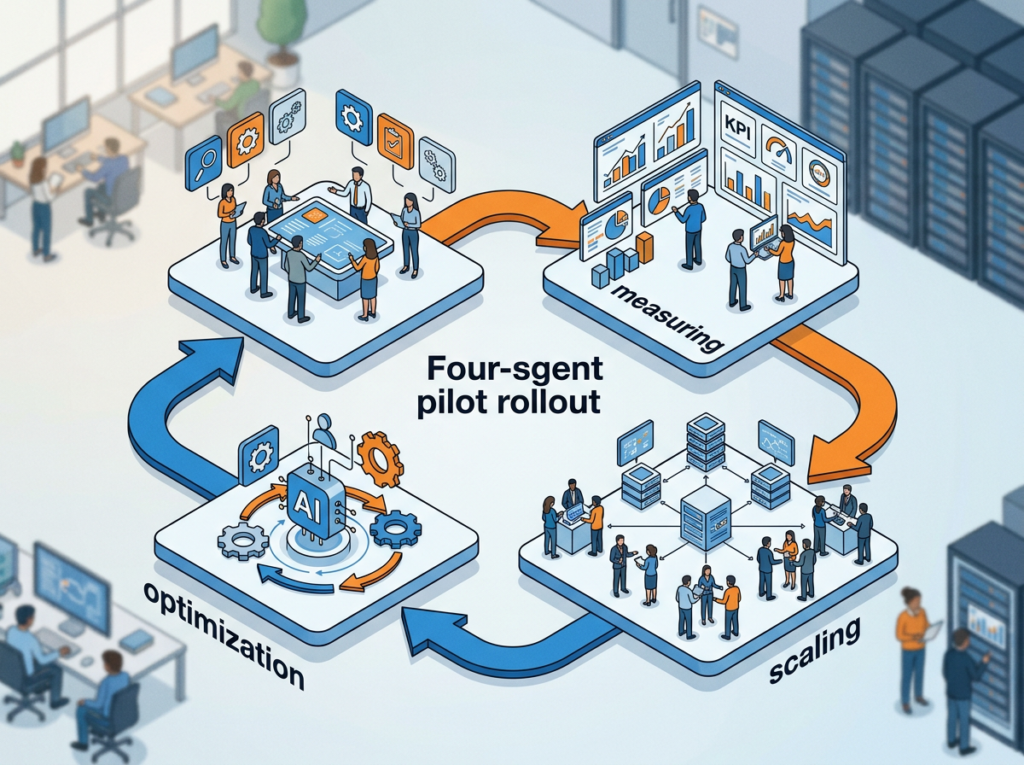
- Define a 4-week pilot with two success metrics (time saved + error rate)
- Loop in IT or your security lead before granting any production data access
- Expand only after the pilot beats your baseline by at least 20%
Frequently Asked Questions
What’s the difference between an AI agent and an AI assistant?
An assistant responds to direct instructions. An agent sets its own sub-goals, calls external tools, and completes multi-step tasks autonomously. Gartner calls labeling assistants as “agents” the practice of agentwashing.
Are AI agents safe to use with customer data?
Only if you choose a vendor with enterprise-grade data handling — clear residency policies, encryption in transit and at rest, audit logs, and a contractual no-training clause on your inputs. Always pilot with synthetic or non-sensitive data first.
How much do AI agents really cost per month?
For a small team, expect $50–$300/month all-in. Costs spike when agents make many tool calls or run on premium models. Always check whether pricing is per-seat, per-action, or per-token.
Can I build my own AI agent without coding?
Yes. Platforms like Zapier Central, Lindy, and Sintra require zero code. For more control, n8n’s visual editor handles most logic without scripting, though connecting custom APIs may require some technical comfort.
Will AI agents replace SaaS tools entirely?
Eventually for some categories — Gartner estimates a third of user experiences will shift from native apps to agentic front ends by 2028. But for the next 2–3 years, agents will sit on top of existing SaaS, not replace it.
Bottom Line
The companies winning with AI agents in 2026 aren’t the ones with the biggest models — they’re the ones with the cleanest pilot programs. Pick one workflow. Pick one agent. Measure. Then scale. Skip the agentwashing, and you’ll be ahead of 95% of your competitors.